D-Link DIR-816L Stack-Based Buffer Overflow
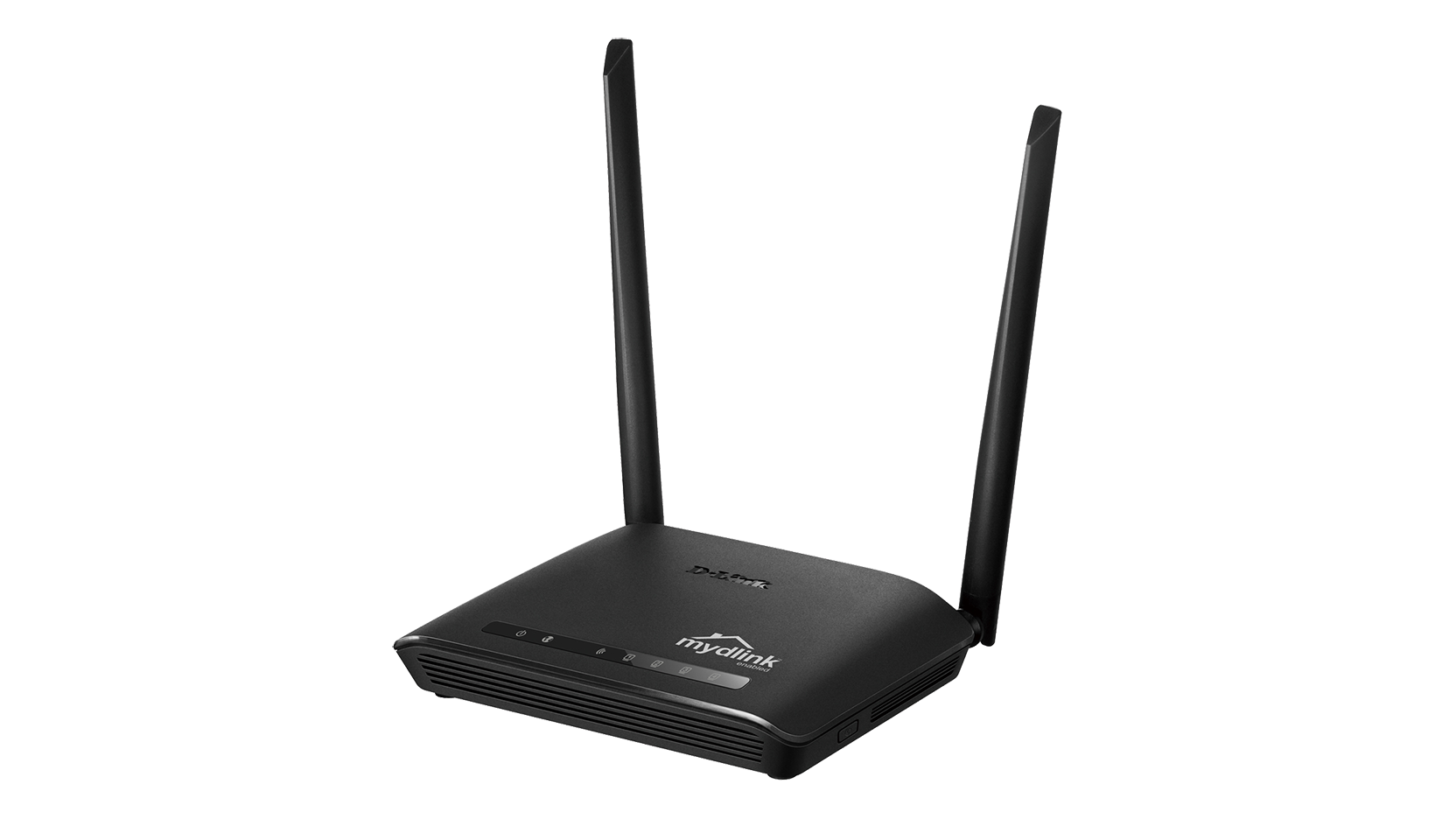
CVE-2025-13189 Stack Buffer Overflow Remote Code Execution
Overview
A high-severity stack-based buffer overflow vulnerability in the D-Link DIR-816L (firmware 2_06_b09_beta) allows remote attackers to trigger memory corruption through the SERVER_ID or HTTP_SID parameters inside the gena.cgi script.
The flaw exists in the genacgi_main function, resulting in a classic stack overflow that may enable remote code execution or device takeover.
The product is End-of-Life, and no patches will be issued.
Technical Specifications
| Attribute | Details |
|---|---|
| CVE ID | CVE-2025-13189 |
| Vulnerability Type | Stack-Based Buffer Overflow (CWE-121) |
| Attack Vector | Network (Remote) |
| Authentication | None required |
| Complexity | Low |
| User Interaction | Not required |
| Affected Component | gena.cgi → genacgi_main |
| Exploit Status | Public exploit available |
| Firmware Status | End-of-Life (EoL) |
Affected Products
- D-Link DIR-816L
- Firmware: 2_06_b09_beta
- Status: End-of-Life – No future security patches
Attack Scenario
- Attacker sends an HTTP request to the router’s
gena.cgiendpoint. - The request contains an overly long
SERVER_IDorHTTP_SIDparameter. - The input overflows a fixed-size stack buffer inside
genacgi_main. - The attacker may gain remote code execution or cause a crash.
-
Upon compromise, the router can be used for:
-
Lateral movement
- Traffic interception
- Botnet activity
- Persistent network access
Potential Access Points
- Router admin interface exposed to the Internet
- Local network access
- Compromised internal hosts sending malicious HTTP requests
- ISP-deployed consumer networks
Impact Assessment
- Router configuration tampering
- Injection of malicious settings
- Overwriting of system memory
- Potential malicious firmware modification
- Interception of user traffic
- Exposure of credentials and network metadata
- Reconnaissance into LAN network layout
- Router crash or reboot loop
- Loss of internet connectivity
- DoS through repeated exploitation
- Router takeover for botnets
- Lateral movement into sensitive LAN systems
- Use as a pivot point for further attacks
- Compromise of home or small business perimeter security
Mitigation Strategies
Network Isolation
- Do not expose the DIR-816L management interface to the Internet
- Place the device behind a firewall with strict rules
- Use VLAN segmentation to isolate the router from critical systems
- Restrict access to trusted IP ranges only
Access Controls
- Disable remote management features
- Disable UPnP and unused services
- Enforce local-only management
- Replace shared passwords and review all configuration
Monitoring & Detection
- Monitor HTTP traffic for requests targeting
gena.cgi - Detect overly large
SERVER_ID/HTTP_SIDparameters - Deploy IDS/IPS signatures (Snort/Suricata) for exploitation attempts
- Alert on unusual router behavior or unexpected reboots
Long-Term Solutions
- Replace the DIR-816L immediately (EoL device)
- Use modern routers with active vendor support
- Document all affected devices and plan lifecycle upgrades
- Ensure security patch processes exist for all network infrastructure
Technical Recommendations
Immediate Actions
- Identify all DIR-816L devices in your environment
- Verify exposure of web interface
- Disable remote access and UPnP
- Apply strict firewall rules
- Begin planning for device replacement
Short-Term Measures
- Segment router from critical networks
- Monitor for malicious HTTP requests
- Log abnormal traffic patterns
- Document device status and owners
Long-Term Strategy
- Replace DIR-816L with fully supported router models
- Enforce secure network architecture
- Train staff on IoT/network device security
Resources and References
Vulnerability Documentation
Critical Warning
This device is End-of-Life and will never receive security patches. The only secure long-term option is replacement.
Emergency Response
If compromise is suspected:
- Immediately disconnect the router
- Reset configuration to a known-good baseline
- Inspect network for suspicious traffic
- Replace the device before reconnecting